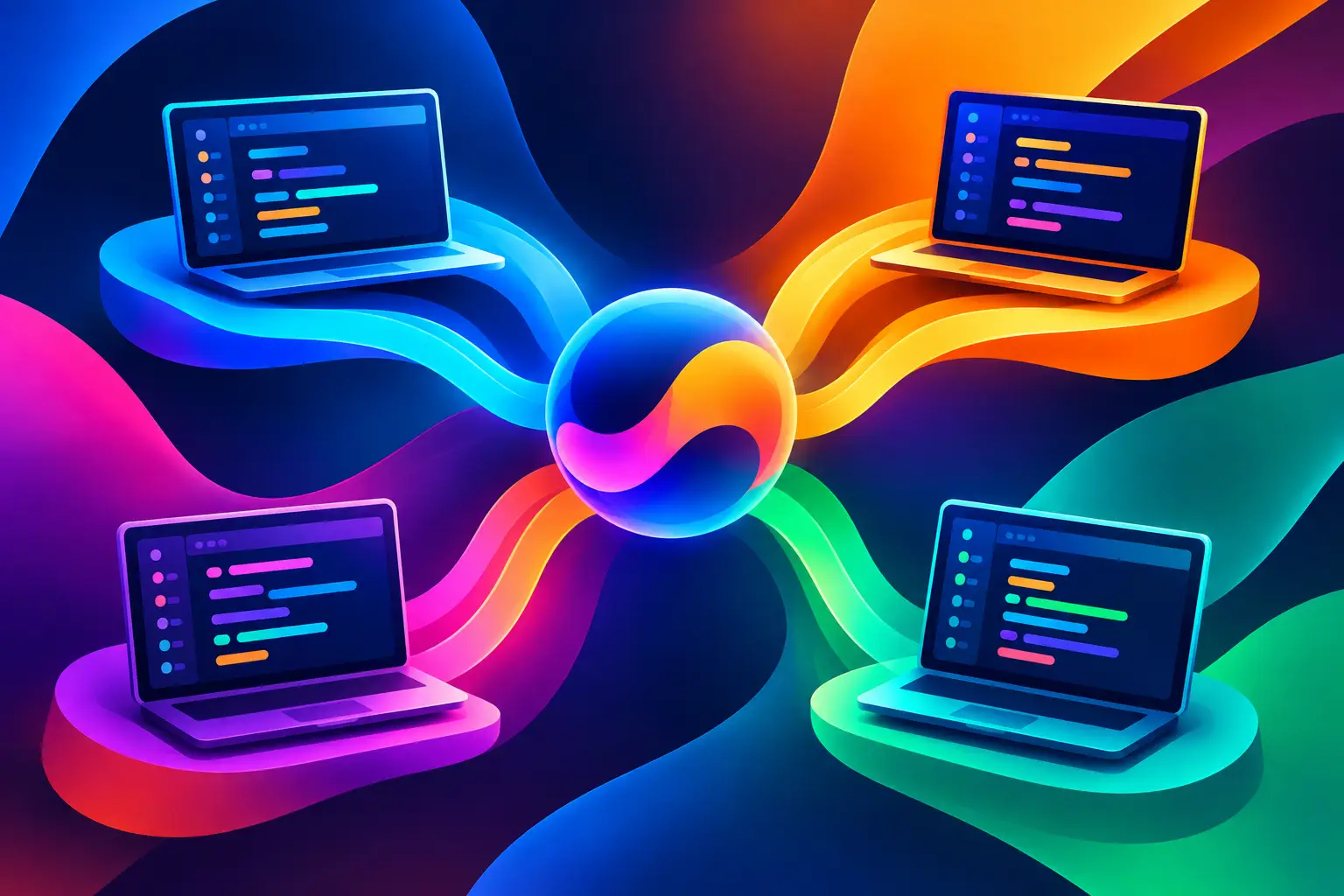
A multi machine workflow usually breaks down in a very ordinary moment: you need to check a test run on a cloud VM, answer an AI coding agent on your laptop, inspect a Git diff from another repo, and see whether your local machine is about to run out of RAM. None of those tasks is difficult. The problem is that they live in different terminals, browser tabs, SSH sessions, and mental contexts.
That fragmentation gets more expensive when AI agents are part of the loop. An agent can refactor a service while another investigates a failing test suite and a third drafts a migration. Meanwhile, builds run remotely, logs stream from a staging machine, and the branch you need to review is somewhere behind three terminal windows. The bottleneck is no longer typing code. It is operating the work.
Why multi-machine work becomes hard
Developers have always used more than one machine. A local computer is ideal for editing, debugging, and quick feedback. A cloud VM may have more CPU, memory, disk space, or a Linux environment that matches production. A separate machine can safely handle long-running builds, browser automation, benchmarks, or an autonomous coding task without turning your primary workstation into a space heater.
The issue is not machine count. It is the control surface.
Traditional workflows turn every connected machine into its own island. You open separate terminal applications, remember host aliases, reconnect after a network interruption, and manually reconstruct what each process was doing. A remote session may still be alive, but the useful context is not: which agent owns that terminal, what issue it addresses, which branch it changed, and whether its output needs attention.
This is manageable for one task. It gets unreliable when several tasks run in parallel. A developer starts optimizing for survival: fewer experiments, fewer agents, fewer remote jobs, and more manual polling. That is a poor trade when compute and capable coding agents are available.
A multi machine workflow needs one control plane
The useful model is not “remote access.” It is one visual control plane for distributed development work.
A good multi machine workflow lets you see each machine alongside the work running on it. Terminals should be identifiable by repository, branch, issue, or agent task. Machine health should be visible before a build fails from memory pressure. Git activity should be close enough to execution that you can connect a commit, a diff, and a running test without hunting through tabs.
This changes the operating model. Instead of asking, “Which SSH window has the deployment?” you see the deployment terminal, its host, its current output, and the related repository activity in the same workspace. Instead of treating AI agents as chat sessions that disappear into a browser history, you treat them as active workers with visible state.
A 2D canvas is particularly effective here because development work is not linear. A feature may involve a planning note, two agent sessions, a local dev server, a remote test runner, a pull request branch, and logs from a service. Putting those surfaces in movable panes creates a spatial map of the work. Keep the active incident close. Move finished tasks away without closing their history. Zoom out to inspect the whole system when priorities change.
Assign machines by workload, not habit
The cleanest setup begins with intentional roles. Your laptop does not need to run every process simply because it is the machine in front of you. Assign work based on resource needs, environment requirements, and how disruptive a failure would be.
Local machines are often best for code navigation, edits, fast unit tests, and interactive agent work. A cloud machine is a better home for repository-wide test suites, large builds, dependency installation, data processing, or agents expected to run for an hour. A dedicated staging or integration host can run services that should not compete with local development resources.
These assignments are not permanent. A lightweight task may begin locally and move to a remote machine when it becomes compute-heavy. A debugging session may return to local once the remote system has narrowed down the problem. The point is to make the handoff visible rather than forcing developers to remember it.
Avoid overengineering this early. You do not need a fleet of machines to benefit. Even one laptop plus one remote VM creates enough split context to justify a better operating layer. Add machines when there is a clear workload reason, not because distributed tooling makes scale look fashionable.
Keep machine status next to active work
Resource metrics matter most when they are attached to decisions. CPU, RAM, and usage limits should not live on a dashboard you remember to open after something slows down. If a remote agent is compiling, testing, and consuming context at the same time, you need to see that pressure while you decide whether to wait, stop it, or move the task.
For AI-assisted coding, context usage is operational data too. An agent nearing its context limit may need a checkpoint, a narrower task, or a fresh session with a clear handoff note. Watching that live is better than discovering later that the agent lost the thread halfway through a broad refactor.
Run parallel agents with explicit boundaries
More agents do not automatically mean more throughput. Parallel work only helps when each task has a clear boundary and a visible owner.
Good parallel tasks include investigating separate failures, writing tests for an isolated module, mapping a codebase before a refactor, or implementing independent changes in separate branches. Poor parallel tasks involve multiple agents editing the same files, interpreting the same ambiguous requirement, or making architectural decisions without a shared source of truth.
Give each agent a terminal or workspace surface tied to a repository and branch. Put the task statement nearby. Keep a note with constraints, acceptance criteria, and decisions that future sessions need. This makes review faster and session recovery practical. When an agent finishes, you can immediately inspect its Git diff and run the relevant validation rather than accepting a verbal status update.
There is also a place for terminal input broadcasting. When several connected machines need the same benign setup command, configuration check, or status query, broadcasting removes repetitive typing. Use it carefully. Broadcasting a destructive command across hosts is fast in the same way deleting the wrong branch is fast. Confirm the target set, prefer read-only commands when possible, and keep production machines isolated from convenience workflows.
Make Git the shared record of progress
Terminals reveal what is happening now. Git reveals what changed. A multi machine setup needs both views close together.
When work runs across branches and hosts, Git graphs help answer questions that plain terminal history cannot: Which branch contains the fix? Did the agent commit before the test run started? Has a local hotfix diverged from the remote experiment? Is the branch based on the current main line or an old checkpoint?
Treat commits as checkpoints for agent work, not just milestones before a pull request. Small, descriptive commits provide recovery points when an experiment goes wrong or an agent takes an unhelpful direction. They also let you compare parallel approaches without merging half-finished changes into one working tree.
Issue-linked terminals add another practical layer. If a terminal, its output, the associated branch, and the issue all remain connected, resuming work after a meeting or an overnight run takes seconds. The system explains itself. That is more useful than a terminal title saying “bash” or “server-2.”
Design for interruptions, not perfect sessions
Remote development fails in routine ways: laptops sleep, Wi-Fi drops, browser sessions reload, terminals close, and cloud instances restart. A workflow that assumes uninterrupted attention will eventually lose expensive work.
Session recovery should be part of the design. Preserve terminal history, task notes, repository state, and the visual arrangement that explains how those pieces relate. When you reconnect, the goal is not merely to get a shell prompt back. The goal is to know what was running, why it was running, and what to do next.
Notifications and mobile monitoring help when used as exception handling, not another feed demanding attention. A completed long-running test, an agent waiting for input, or a machine crossing a resource threshold is worth a push notification. Every line of normal output is not. Tune alerts around decisions you need to make.
49Agents approaches this as a workspace problem: put terminals, AI agent contexts, repositories, Git activity, notes, and machine resources on one persistent canvas instead of scattering them across disconnected windows. The benefit is straightforward: fewer status checks, less session archaeology, and a clearer view of work that is already in motion.
Start with one repeatable operating pattern
Pick a workflow you repeat every week: a feature branch with an AI-assisted implementation task, local edits, a remote test run, and a review pass. Lay out the relevant terminals, repository activity, and notes together. Name each surface for the job it performs, not the program it runs.
Then watch where friction remains. Maybe test output needs to sit beside the agent that wrote the code. Maybe the remote VM needs clearer resource visibility. Maybe a second agent needs a separate branch instead of sharing your working tree. Improve that path before adding more automation or more machines.
The best multi machine workflow does not make development look more distributed. It makes distributed work feel like one place you can actually operate.